
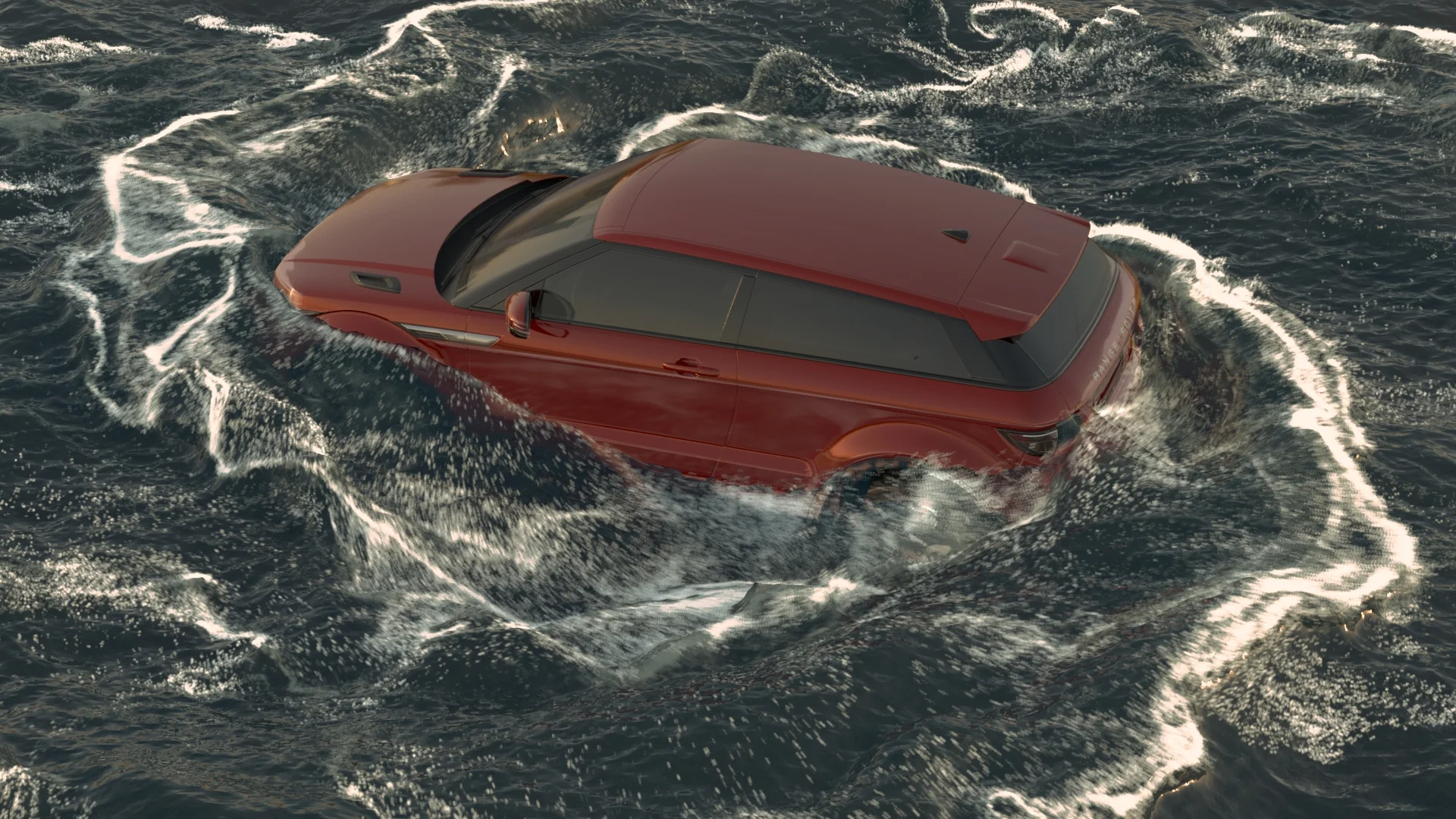
Water Turntable
Breakdown

The water was rendered in Mantra from Houdini and the car was rendered in Arnold from Maya, this creates a black hold out where the car is supposed to be in the water. Therefore, it created a hard edge between where the car and the water meet in the composite.


To fix this problem, I created three render layers:
ID Layer
Occlusion Layer
Mask of the Car

ID Layer

Occlusion Layer

Car Mask
By shuffling out the green channel of the ID Layer, I was able to merge that out of the Occlusion Layer minus the Car Mask to create the edge of the car and water. From there, I was able to merge the water minus the edge I created to get the edge of the water where it meets the car.

Occlusion Layer Minus Car Mask

Green Channel of ID Layer merged out of the Occlusion Layer Minus the Car Mask

Water Rendered Minus the Green Channel of ID Layer merged out of the Occlusion Layer Minus the Car Mask
Once I had the edge of the car and water, I was able to color correct it to match the car, and eventually merge it in over the water.

Color Corrected Edge

Final Edge in Merged in with Water Render

Final Composite with Water Edge
I also spent time creating the reflection of the water into the car. To do this, I needed three different Render Layers of the car:
Mask of The Car
Reflection of The Water (as in image sequence) into The Car
Fresnel Layer

Mask of The Car

Reflection of The Water into The Car

Fresnel Layer
I merged in the Car Reflection Layer with the Mask of the Car. Then, I merged that in with a mask I created from the green channel that I shuffled out of the previous ID Layer I had used. This allowed the reflections of the water in the car to be from the water line and up on the car.

Car Reflection Layer Merged in with Car Mask

Green Channel of ID Layer

Car Reflection Layer Merged in with Car Mask, and then Merged in with Green Channel of ID Layer
I also used the Fresnel Layer and shuffled out the green channel and then graded it to help smooth in the Reflection Layer on the car.

Car Merged in with Car Reflection Layer Merged in with Car Mask, and then Merged in with Green Channel of ID Layer

Reflection Merged in with Fresnel Layer

Final Water Reflection

Final Nuke Script
Quisque iaculis facilisis lacinia. Mauris euismod pellentesque tellus sit amet mollis.